

Tailor-made list of popular mods to enhance your gameplay experience while playing Wynncraft on Lunar Client.
Product
About
Wynncraft for Lunar Client
Wynncraft for Lunar Client is a tailor-made list of popular mods to enhance your gameplay experience while playing Wynncraft on Lunar Client. These mods are validated to work with Lunar Client.
Note: To experience Wynncraft at its best, we highly recommend downloading Lunar Client. While any modpack loader can be used, Lunar Client offers superior performance and features.
Modpack Content
- Cloth Config API: Configuration library for Minecraft Mods.
- Krypton: Optimizes in the Minecraft network stack. Reduces CPU and memory usage.
- Mod Menu: Adds a mod menu to view an in-game list of all the mods you have installed.
- More Culling: Prevents the rendering of things you cannot see to improve performance.
- Nvidium: Optimizations for Minecraft users who have a NVIDIA GPU.
- Reese's Sodium Options: Replaces Sodium's option screen to improve user experience.
- ShowMeMyDPS!: A wynncraft mod that to display total damage within a specific period of time.
- Sodium Extra: Adds features found in Optifine to Sodium, like particle and animation settings.
- Wynncraft Spell Caster: Spell casting mod for Wynncraft.
- Wynntils: Seeks to enhance the gameplay experience of Wynncraft with a variety of features.
- Fuy: Utility mod for Wynncraft, fixes reveal nicknames, stack dupe messages, and more.
- Bobby: Allows for your render distance to be greater than the server's view-distance.
FAQ
What is Wynncraft and how do I play it? **Wynncraft** is an open world MMORPG, full of adventures, unique experiences, and places to explore. From diverse landscapes, cities, and villages to mysterioues forest and spooky dungeons. Engage in a trilling adventure as you explore around to challenge your skills and complete quest solo or with team up with friends. Ready to explore? Join using Wynncraft's server IP: [wynncraft.com](https://wynncraft.com/) How do I install the Wynncraft Modpack on Lunar Client? Here are the five easy steps you need to take! ### Step 1: Download Lunar Client [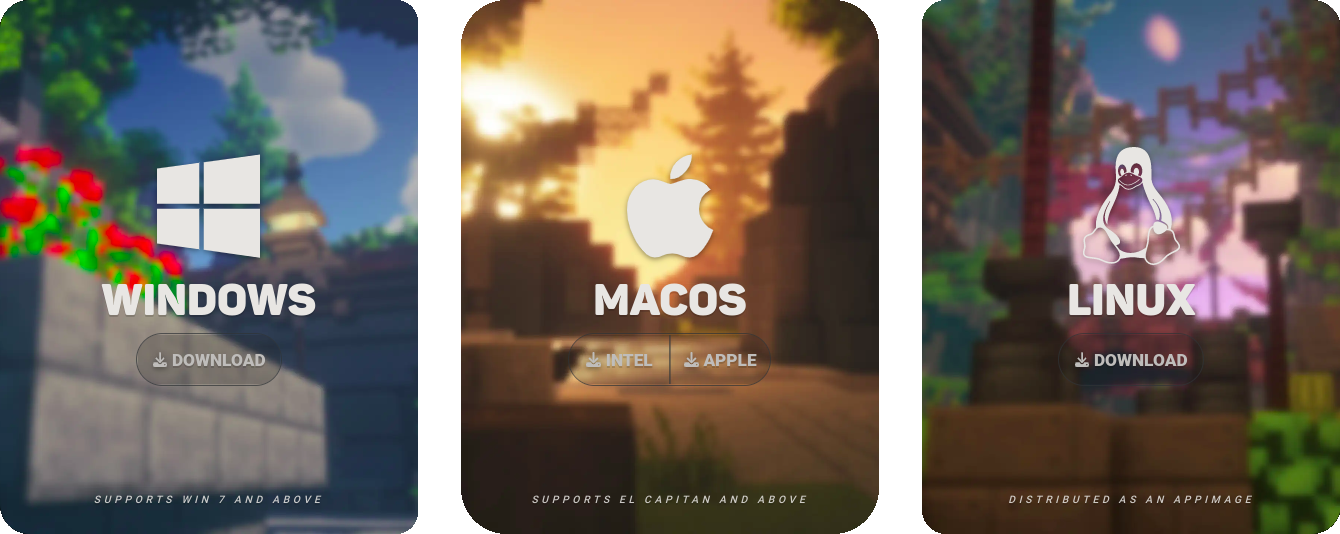](https://www.lunarclient.com/download) ### Step 2: Select "Versions" on the Lunar Client Launcher [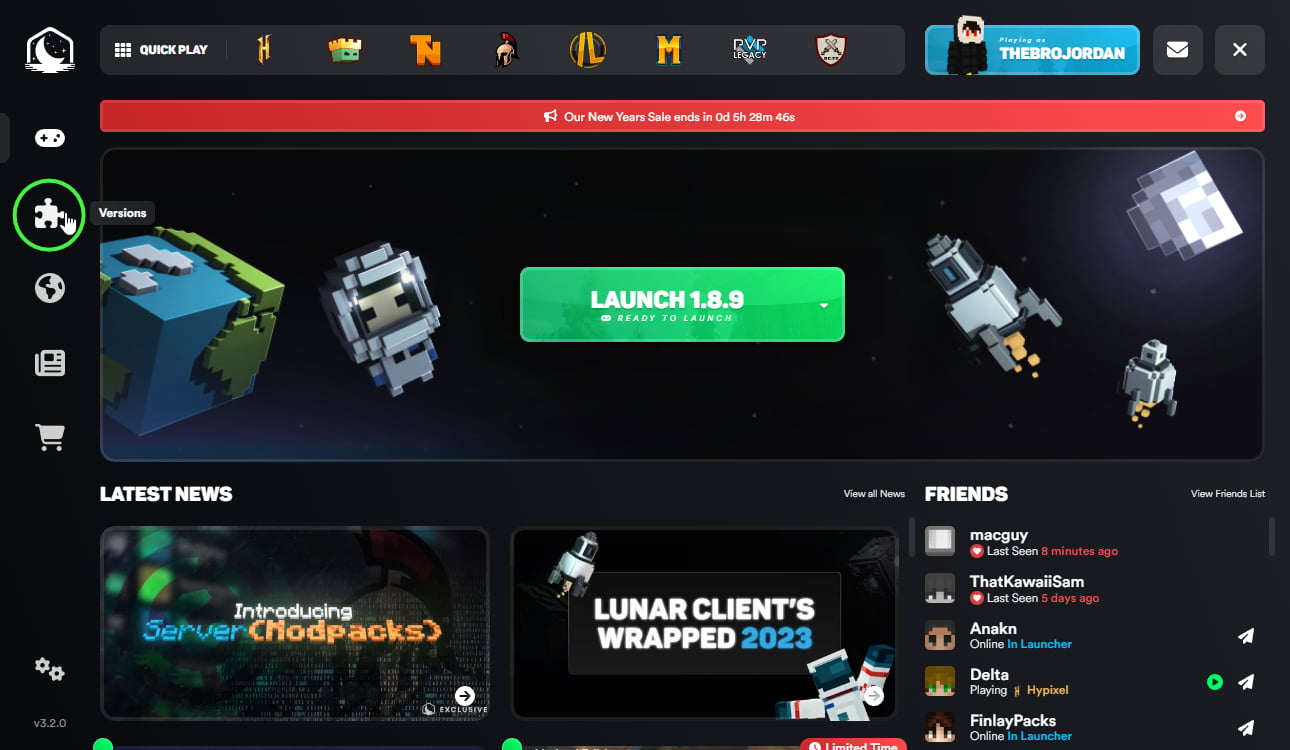](https://www.lunarclient.com/news/mod-loading-on-lunar-client) ### Step 3: Click "Modpacks" on the top of the page [](https://www.lunarclient.com/news/mod-loading-on-lunar-client) ### Step 4: Install your modpack of choosing, in this case the **Wynncraft** Modpack for Lunar Client. [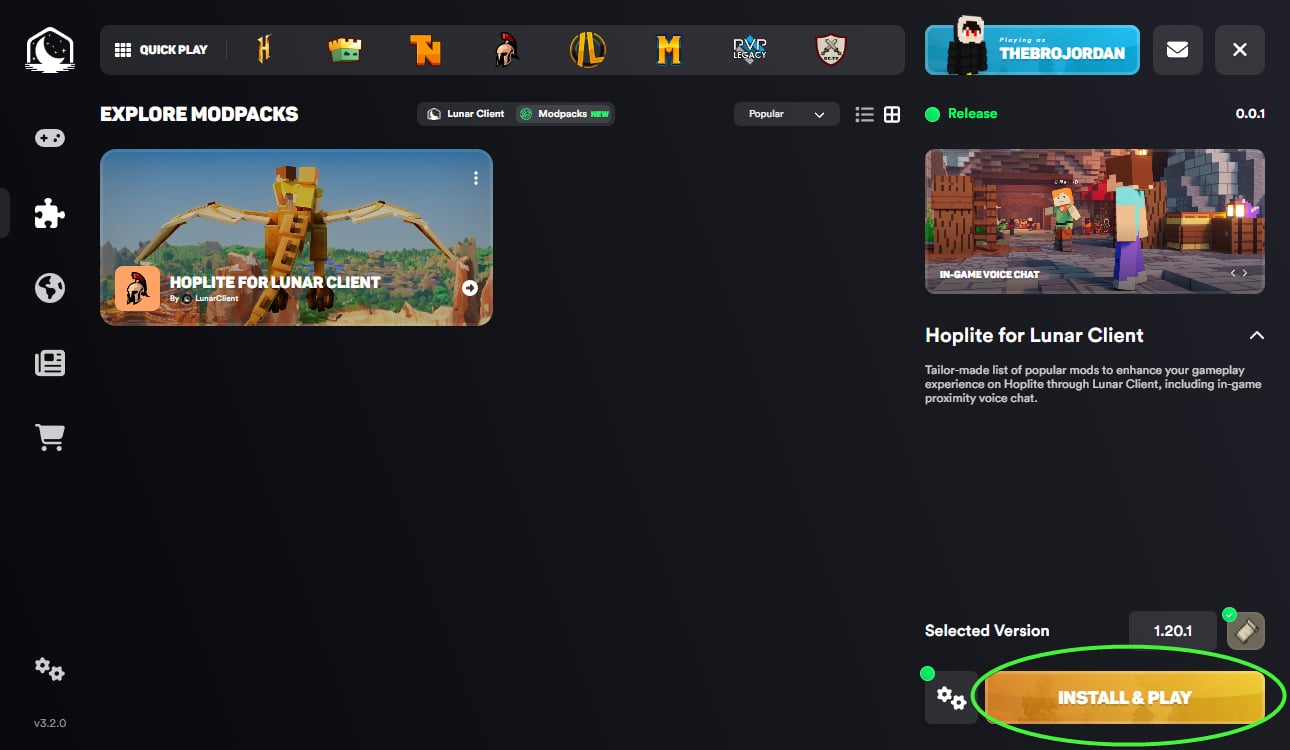](https://www.lunarclient.com/news/mod-loading-on-lunar-client) ### Step 5: Click "Launch Game" after the install is complete! [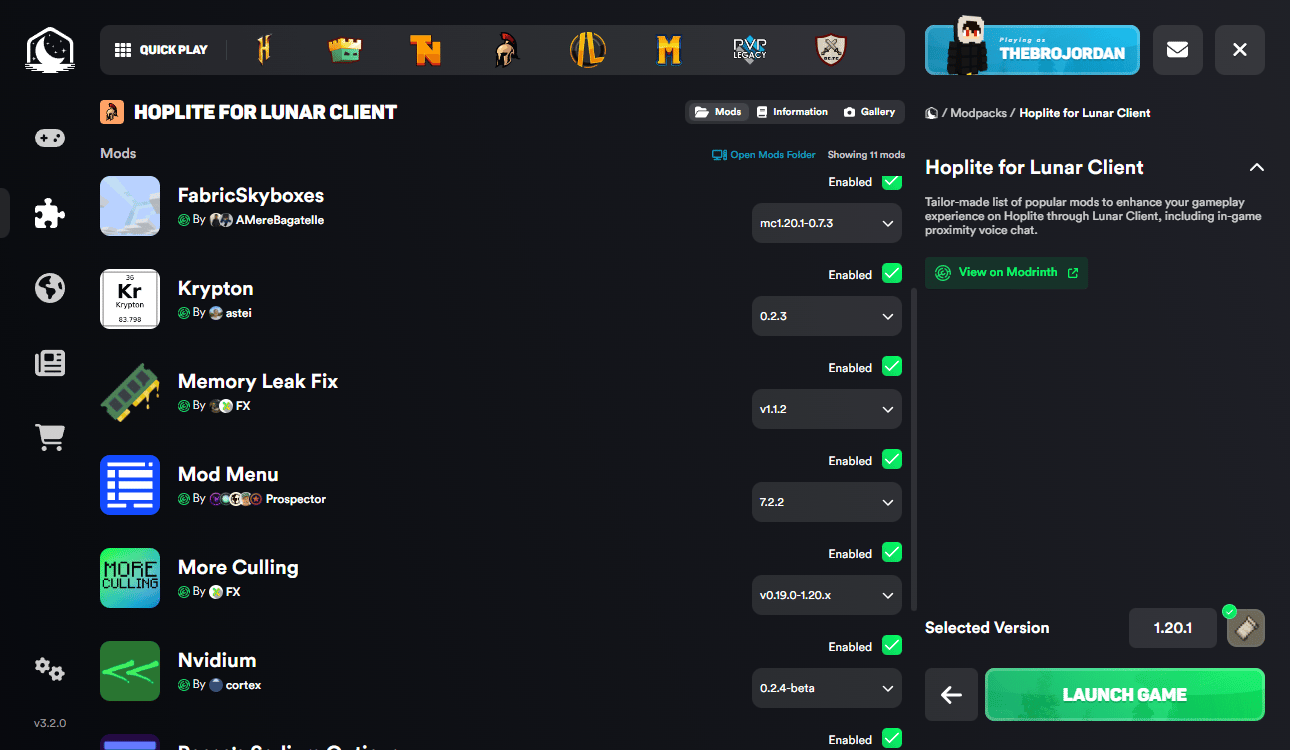](https://www.lunarclient.com/news/mod-loading-on-lunar-client)Be a part of our growing community, join our Discord for the latest news and updates!
Preview
Product images
Environment
Requirements & compatibility
Compatibility & requirements
Fabric1.20.21.211.21.41.21.11
Local host
Required
Hosting on services
Unsupported
Terms
License
Terms for using, modifying and redistributing this product.
MIT LicenseModrinth
Release
Latest release
v0.0.16
05.04.2026 · Modrinth
- Updated mods to their latest versions.
Gallery
Project images
Screenshots and images from the original Modrinth page.

Wynncraft Server

Minecraft MMORPG

Vast World
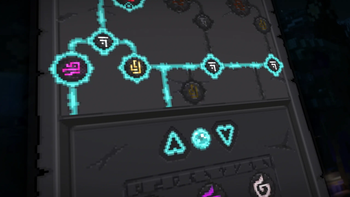
Abilities
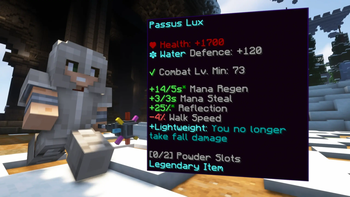
Custom Items

Custom Bosses





History
Project versions
Published versions and original Modrinth files.
v0.0.16LatestRelease
05.04.2026 · 50 968 downloads
Fabric1.21.11
- Updated mods to their latest versions.
v0.0.15Release
20.03.2026 · 12 866 downloads
Fabric1.21.11
- Updated to Minecraft 1.21.11
- Updated all mods to latest
v0.0.14Release
31.01.2026 · 42 288 downloads
Fabric1.21.4
- Updated Wynntils to v3.4.3
- Updated Voices Of Wynn to v1.12.0
v0.0.13Release
14.10.2025 · 47 471 downloads
Fabric1.21.4
- Updated Wynntils to v3.3.0
- Updated Voices Of Wynn to v1.11.3
v0.0.12Release
22.08.2025 · 21 972 downloads
Fabric1.21.4
- Bumped Fabric Loader to 0.17.2 (for non-Lunar Client users)
- Updated Fabric API to 0.119.4
- Updated Wynntils to v3.2.5
- Updated Voices Of Wynn to v1.11.1
- Updated Wynncraft Spell Caster to 2.2.7
v0.0.11Release
12.05.2025 · 44 337 downloads
Fabric1.21.4
- Added Voices Of Wynn
- Bumped Fabric Loader to 0.16.14 (for non-Lunar Client users)
- Updated Wynntils to v3.0.19
- Updated Sodium to 0.6.13
- Updated Iris to 1.8.8
- Updated Lithium to 0.15.3
- Updated More Culling to 1.2.10
v0.0.10Release
18.02.2025 · 47 404 downloads
Fabric1.21.4
- Updated to Minecraft 1.21.4
- Updated all mods to latest
v0.0.9Release
12.09.2024 · 80 954 downloads
Fabric1.21
- Bumped Fabric Loader to 0.16.5 (for non-Lunar Client users)
v0.0.8Release
12.09.2024 · 329 downloads
Fabric1.21
- Updated Wynntils to 2.2.2
- Updated Bobby to 5.2.4
- Updated Mod Menu to 11.0.2
- Updated Nvidium to 0.3.1
v0.0.7Release
20.08.2024 · 20 161 downloads
Fabric1.21
- Update Cloth Config API to 15.0.130+fabric
- Update Lithium to mc1.21-0.13.0
- Update Wynntils to v2.0.10
v0.0.6Release
11.08.2024 · 14 104 downloads
Fabric1.21
- Updated to Minecraft 1.21
- Updated all mods to 1.21
- Removed ShowMeMyDPS! (Not updated yet)
- Removed fuy (Doesn't run in Lunar Client, will be fixed soon!)
v0.0.5Release
04.06.2024 · 52 790 downloads
Fabric1.20.2
- Updated Wynntils to v1.2.19
- Updated fuy to 1.3.11
- Updated MoreCulling to 0.24.0
v0.0.4Release
12.04.2024 · 25 307 downloads
Fabric1.20.2
- Updated Wynntils
v0.0.3Release
12.04.2024 · 218 downloads
Fabric1.20.2
- Added Sodium
- Added Iris
- Added Lithium
- Updated Sodium Extra
- Updated Reese's Sodium Options
- Updated More Culling
- Updated Wynntils
v0.0.2Release
12.03.2024 · 17 216 downloads
Fabric1.20.2
- Updates Wynntils to v1.1.2
- Updates fuy to 1.3.7
- Updates ShowMeMyDPS! to 1.1.1.fix.2-1.20.2
- Updates MoreCulling to 0.22.1-1.20.1+
- Adds Bobby
v0.0.1Release
24.01.2024 · 18 467 downloads
Fabric1.20.2
Scroll products with the wheel or arrows