

Add Motion Blur in Minecraft
Product
About
Motion Blur FX
Motion Blur FX is designed to deliver stunning motion blur effects without compromising performance. Tailor the intensity of the motion blur to suit your system's capabilities, ensuring a smooth experience no matter your setup.
Important Note:
Motion blur effects can be disorienting for some users, particularly those sensitive to visual motion. If you find yourself feeling uncomfortable, please lower the motion blur strength or disable the effect entirely for a more pleasant experience.
Compatible with: Iris and Optifine
Optional Features:
- Motion Blur: Enhance your visuals with dynamic motion blur.
- Saturation: Infuse your world with vibrant colors for an eye-catching look.
Compatibility:
- Tested on: Minecraft versions 1.12.+ to 1.21.x
- Works with: Nvidia, AMD, and Intel graphics cards
You Can:
- Use this shader pack for captivating screenshots and videos.
- Modify it for personal use.
- Publish your heavily modified versions.*
- Share it in modpacks or servers.
You Cannot:
- Share it without my permission.
Installation Guide:
For Optifine:
1. Download and install Optifine from the official website.
2. Download the Motion Blur FX shader pack.
3. Move the shader pack .zip file to the shaderpacks folder in your .minecraft directory.
4. Select the shader in Minecraft under "Options" > "Video Settings" > "Shaders."
For Iris (Fabric):
1. Install Fabric using the Fabric Installer.
2. Add Fabric API and Iris Shaders to your mods folder.
3. Download the Motion Blur FX shader pack.
4. Move the shader pack .zip file to the shaderpacks folder in your .minecraft directory.
5. Select the shader in Minecraft under "Options" > "Video Settings" > "Shaders."
Contact:
For inquiries or support, please reach out to: marctgamer@gmail.com
Preview:
Check out these videos to see Motion Blur FX in action!
Preview
Product images
Environment
Requirements & compatibility
Compatibility & requirements
IrisOptifine1.4.71.9.3 – 1.21.1
Local host
Required
Hosting on services
Unsupported
Terms
License
Terms for using, modifying and redistributing this product.
LicenseRef-All-Rights-ReservedModrinth
Release
Latest release
v1.41
21.10.2024 · Modrinth
Fix the entites effects when you hit
Gallery
Project images
Screenshots and images from the original Modrinth page.
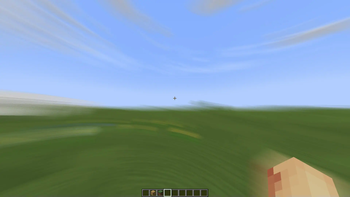
Motion Blur Strength: 1.50
History
Project versions
Published versions and original Modrinth files.
v1.41LatestRelease
21.10.2024 · 78 521 downloads
IrisOptifine1.20.21.20.31.20.41.20.51.20.61.211.21.1
Fix the entites effects when you hit
v1.4Release
14.10.2024 · 35 733 downloads
IrisOptifine1.121.12.11.12.21.131.13.11.13.21.141.14.1
BIG UPDATE
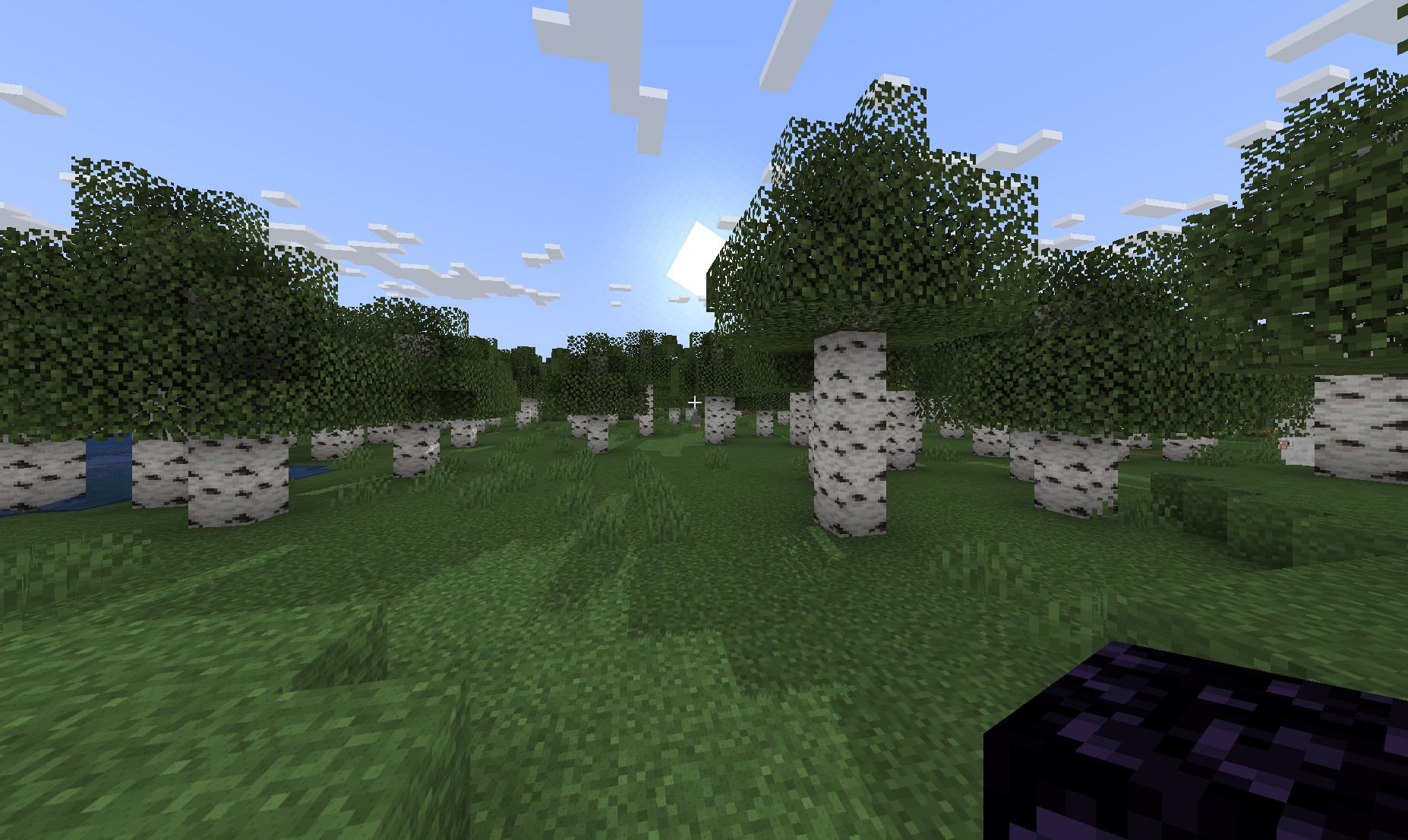
Added SHADOWS and Fixed the Animated Glint
v1.3Release
05.10.2024 · 7 434 downloads
IrisOptifine1.111.11.11.11.21.121.12.11.12.21.131.13.1
**Added Depth Of Field
**
v1.2Release
01.09.2024 · 5 838 downloads
IrisOptifine1.9.31.9.41.101.10.11.10.21.111.11.11.11.2
Small Update
Used Slider to controls motion blur
More Effects comming soon..
v1.1Release
25.08.2024 · 1 917 downloads
IrisOptifine1.121.12.11.12.21.131.13.11.13.21.141.14.1
Added a Motion Blur Effect Options: Motion Blur Strength and Saturation
More Effects comming soon..
v1.0Release
21.08.2024 · 1 928 downloads
IrisOptifine1.4.71.111.11.11.11.21.121.12.11.12.21.13
Add a Motion Blur Effect
Options: Motion Blur Strength and Noise Flim
Scroll products with the wheel or arrows